SILENT PC
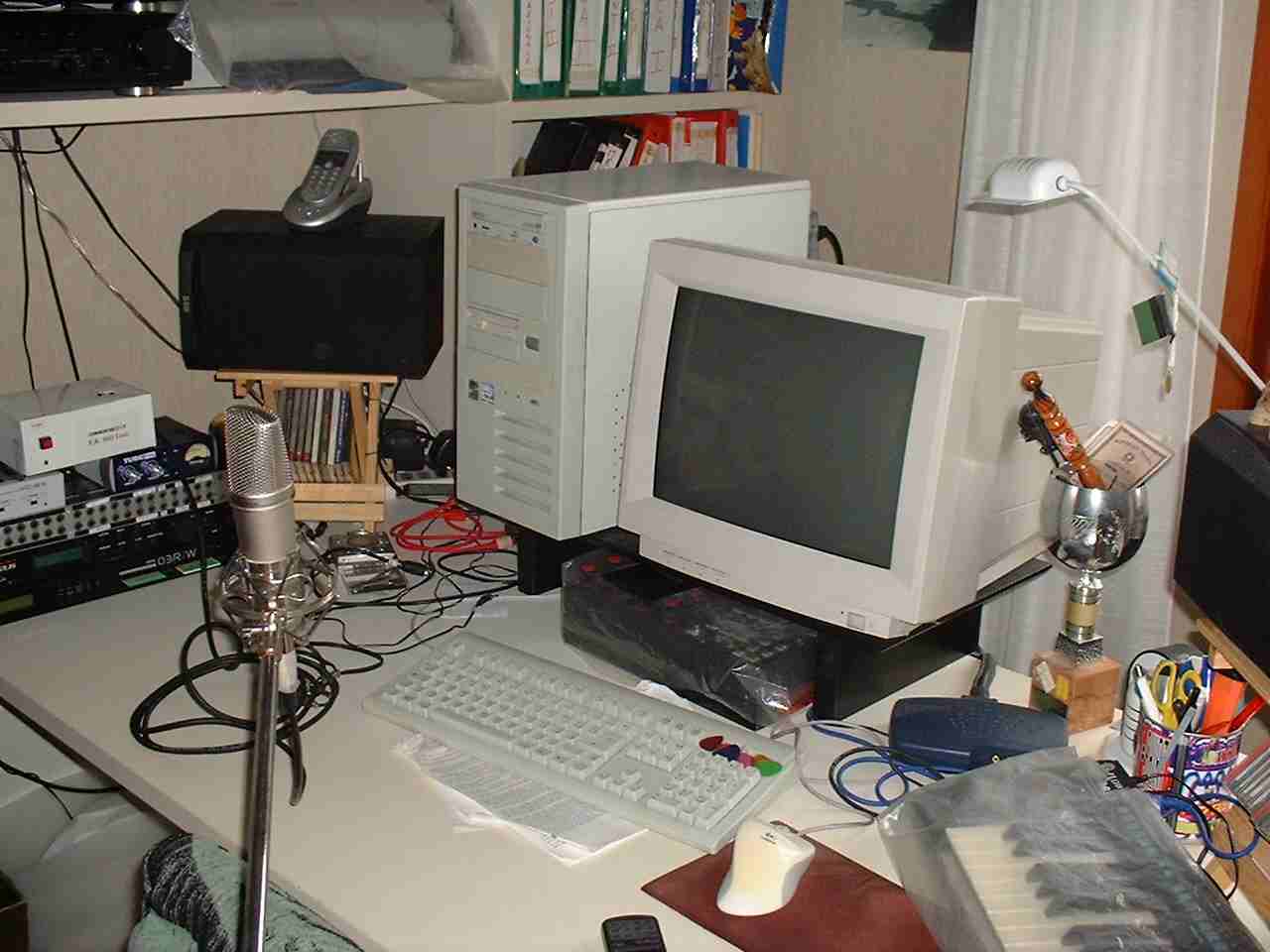
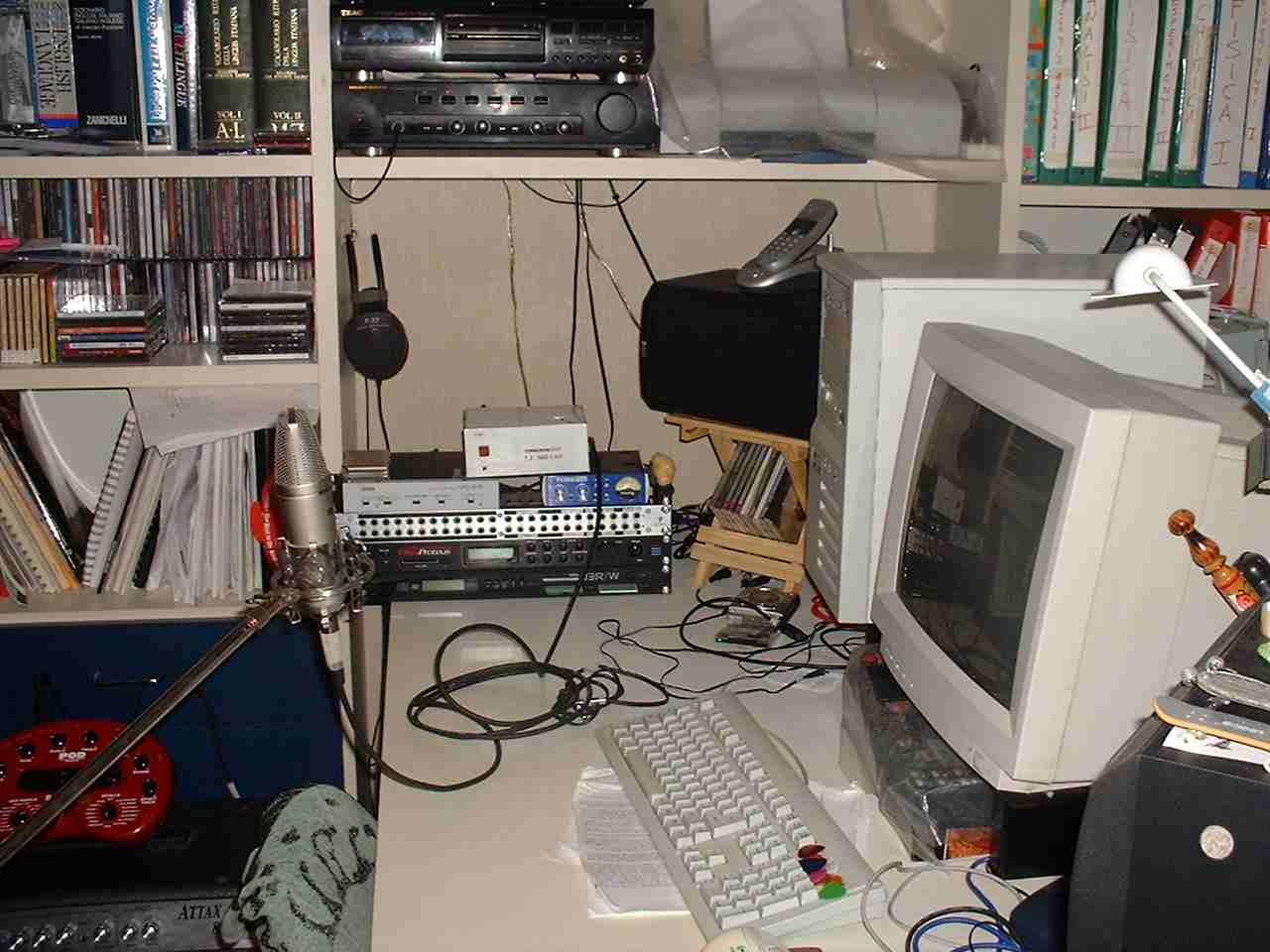
This project kept me busy for a long period, from the initial idea to the complete realization... and i', not even sure to consider it "finished"
The idea is very simple: did you ever notice how much noise does produce your PC?? A lot of this noise comes from the fans (in general there are two of them: one on the CPU and one in the Power Supply Unit - PSU, but there can also be a fan in your graphic card, one in the front of the case, for introducing fresh air, one in the case rear, to expell hot air, and a second fan on the PSU!!). Moreover, don't miss that also hard disk drives has moving parts that vibrates and transmit this vibrations to the case, which amplifies them. Finally if you don't mount properly the fans and keep them oiled, they produce additional noise...
A brief internet search lead me to discover a brand new world to me, dedicated to the resolution of this problem. Try simlpy to search for "silent PC" on google, and see how many sites you will find: specialized dealer, sites with reviews and tips, users pages, newsletters, mailing lists, forums... in my link page i gathered some of the resources i found.
I began try to solve my problem by searching a low noise fan to mount in my PSU, instead of the one normally mounted. The solution suggested by other "silent PC" user was to buy a PAPST 8412NGL FAN, which specs tells about 19dB and 26.5 CMF of flow if powered with 12V. Replacing the fan was very simple, just be sure to remove the PSU from the wass wart for several hours before open it and be aware that opening it means to end the warranty period!
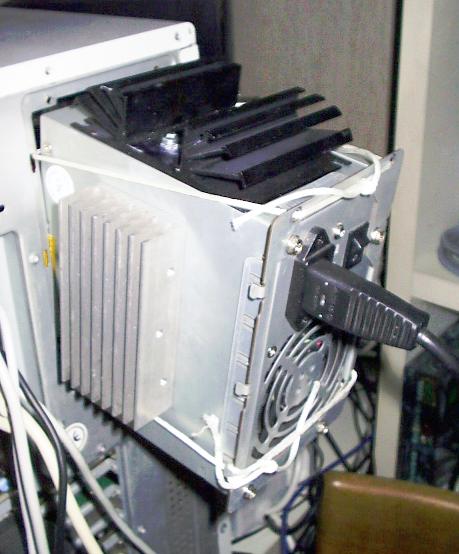
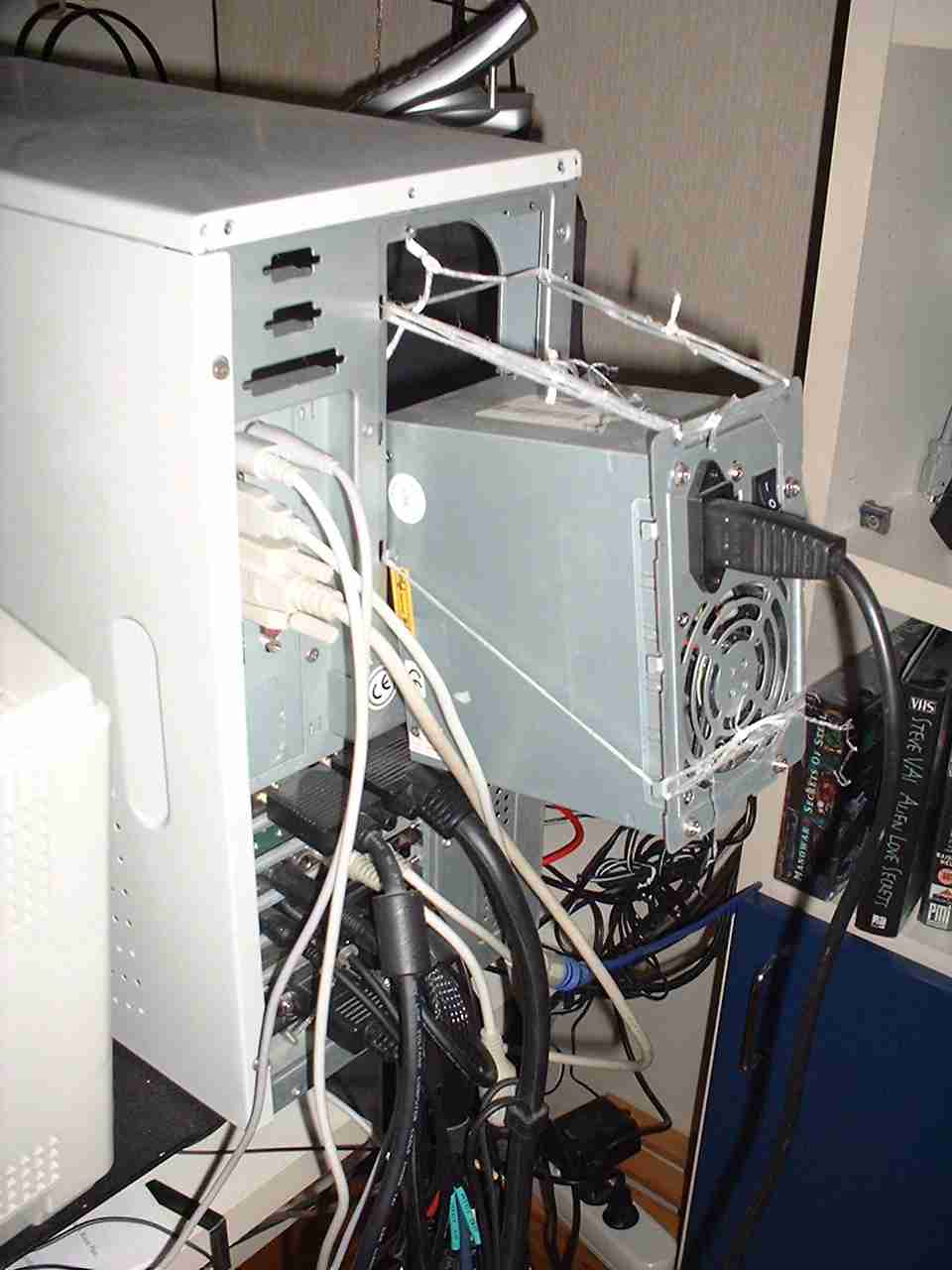
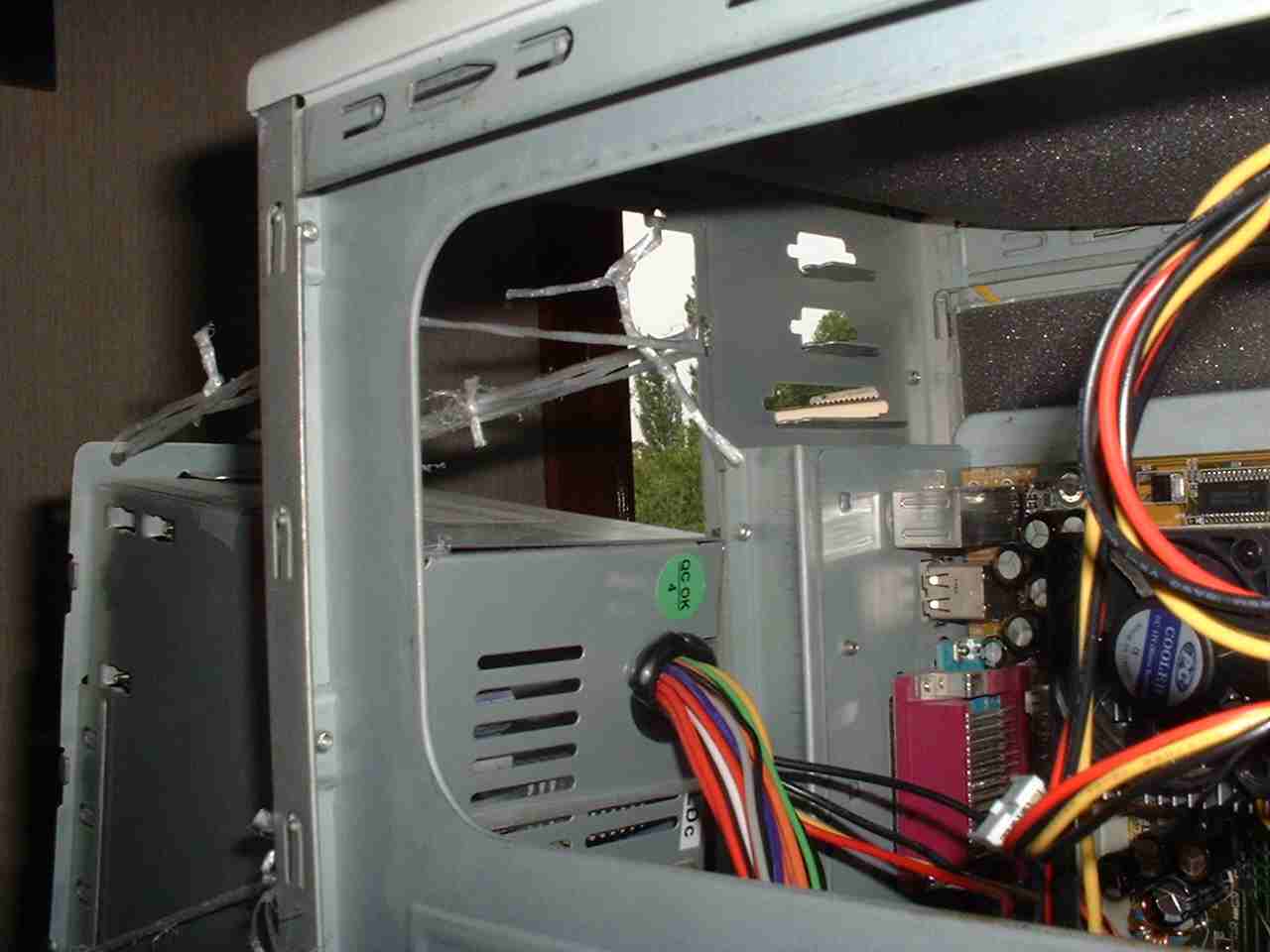
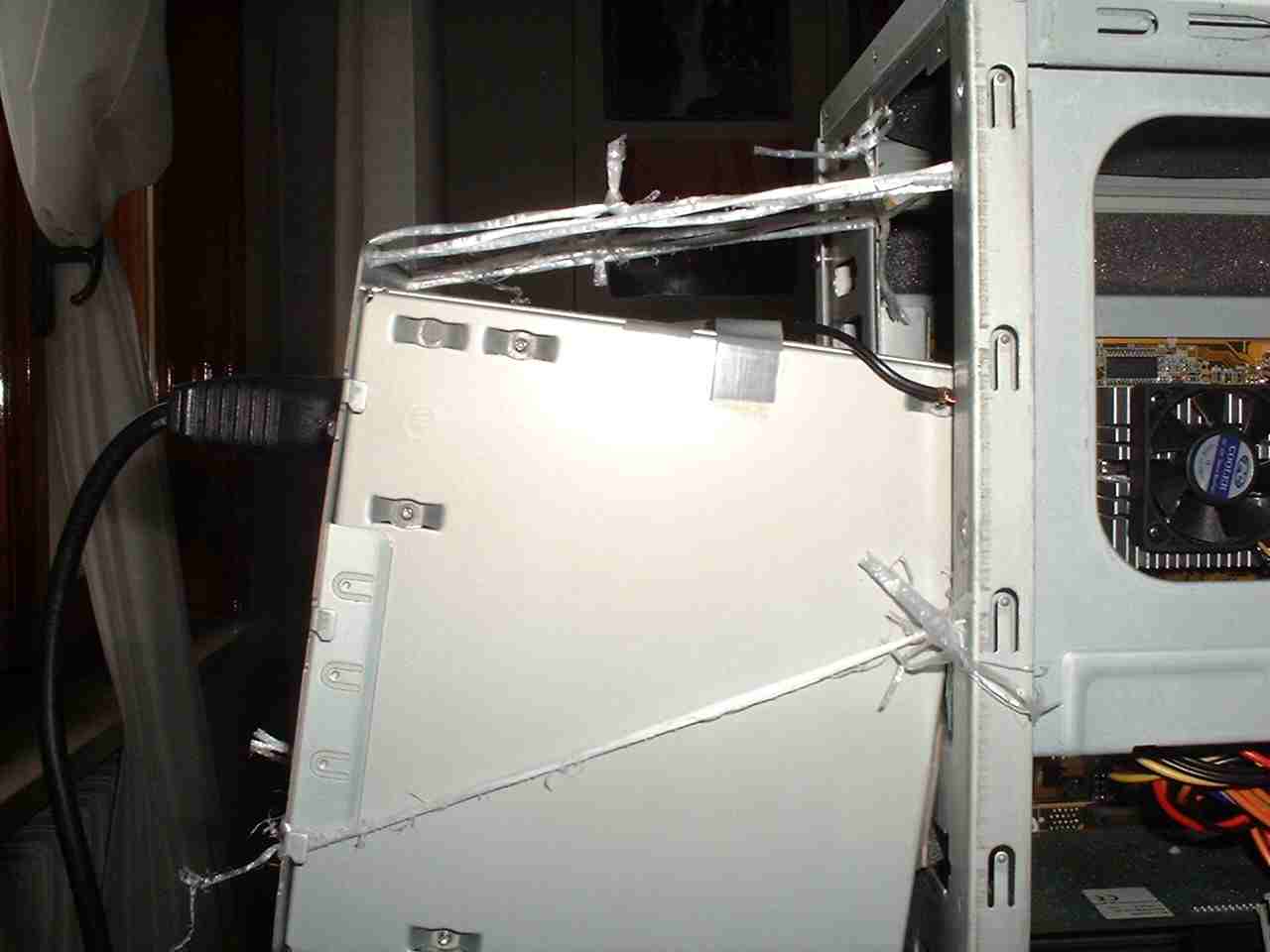
PSU produces a lot of heat in the case, so i decided to "extract" it, "hanging" it on the case exterior with some wire. In front of the CPU it remains a large void, so the air can circulate more freely. extraction of air is provided by natural convection and by the PSU apertures, which extracts the air.
|
|
|
|
In my PC i had three fans: one on the CPU, one 80mm on case front to bring in fresh air and one 40mm which directly blows on my HD. I decided to underpower all these fans, in particular by connecting in series the 40 and 80mm ones, along with a 100ohm pot (rating 5W). In his way i can control the speed rate of my fans, thus reducing the noise while mantainig a significan air flow. Even the CPU fan was connected in series with a pot: I constantly monitored CPU temperature, and i was able to reduce by 30% the fan speed, without raising CPU temperature too much.
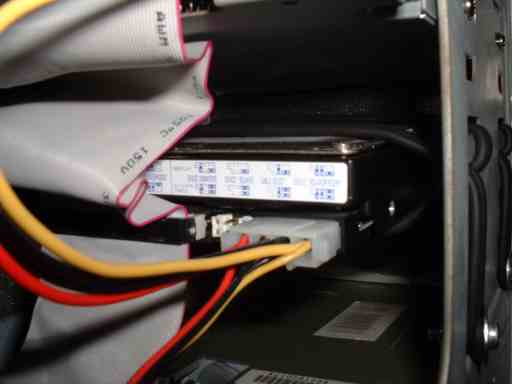
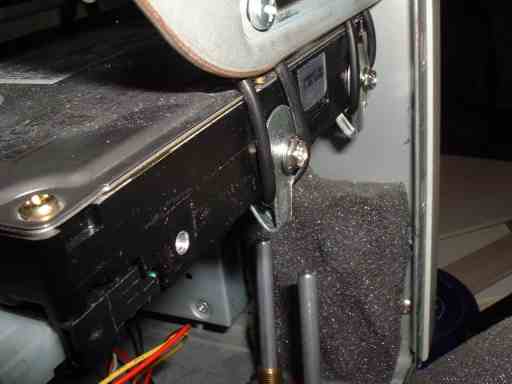
Next step was to "hang" two of my hard disk drives with some "O"-ring: this is a DIY solution of a product you can found commercially (but that costs a lot!!). The HDD is physically "detached" from the case, and so all its vibrations are no more transmitted. The difference before and after this operation is astounding!! This solution has another advantage: if you have to move your PC, the HDD will suffer much less from all the vibrations and crashes that will occur during the transport.
|
|
|
|
|
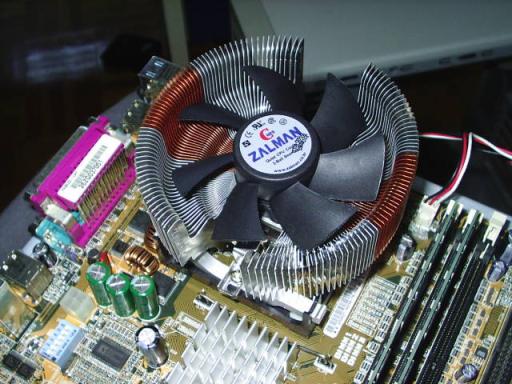
On my new Pentium 4 2.4 GHz i have installed a cooler “certified” silent, a Zalman 7000A AlCu, a bit expensive (about 40 euro), but really good: the fan rotate between 1350 e 2400 RPM (adjustable with a provided “fan speed controller”), and its specs tells about a noise emission of 20dB in “silent mode” (1350 RPM) and 25dB in “normal mode” (2400 RPM).
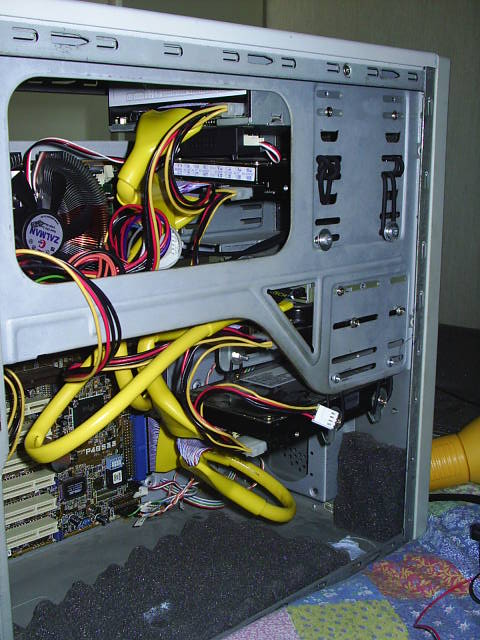
The “round cables” should contribute to the general air flow inside the case. I'm not able to tell you if this makes an improvement or not regarding the temperature... but they look so good that i decided to buy them, even to have more “ordered” case!
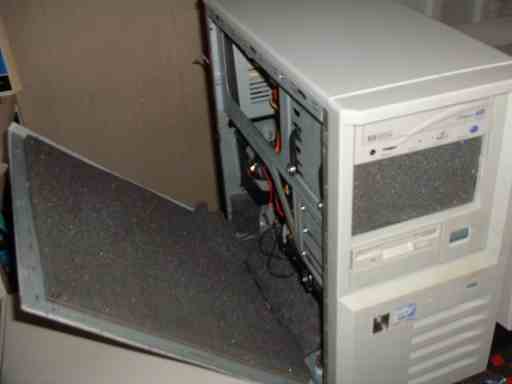
Final touch was the builing of a "sound-proofing" case, with special panels used to insonorize room. All my case was covered with this rubber, so that the noise propagation to the exterior is much reduced.
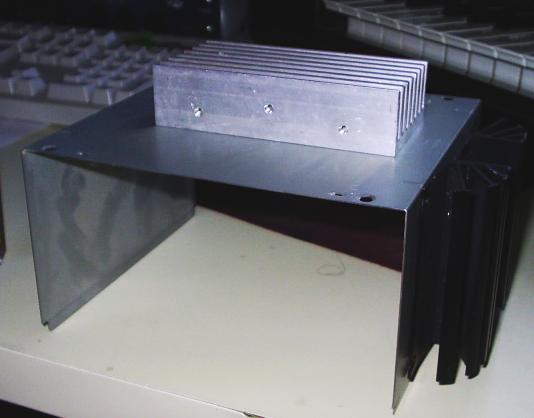
I have found several power dissipator at a very low cost, so I decided to use two of them on my power supply, to obtain a slighly better cooling of it. After removing the outside cover of the power supply, the two dissipators were mounted with some screw (but no thermal paste,i hav still to buy it!). I can't assure you that this new sdesign is more efficient, but it sould be!
|
|
|
Even after all these treatments, my PC is not completely "silent", but the noise it produces (if i compare to my friends "normal" PCs) is VERY low!! CPU temperature is not extremely high: in normal condition it rests at about 45°C, while if i stress it, it arrives at 55°C.
If you'd like to have an idea of the noise produced by my PC, you can listen to this mp3. I did this test in the following way: i mounted my mic in the position where i usually sit,then i recorded by my minidisc the "silence" of my room. Then i turned on my stereo, setting the volume at my usual level, in order to give an "abolute" reference. Then, after turning off the stereo, i powered my PC. I don't know how much sense has this experiment... nevertheless you can listen to it and write me your comments!
|
|
|
The last step will be when i will found some cheap rounded cables... ;-)